GIMP Art Workshops – June 2021
ZOOM Virtual Classes + Recorded Videos
INTRODUCTION. GIMP is an acronym for GNU Image Manipulation Program. It is a freely distributed program for such tasks as photo retouching, image composition and image authoring.
PREREQUISITES:
- For adults and children ages 11 and up
- Download GIMP for windows, Linux or Mac OS at gimp.org
- Recommended video: Learn GIMP in 25 minutes/Ten things GIMP beginners need to know: https://youtu.be/1MLnP0OiEkw
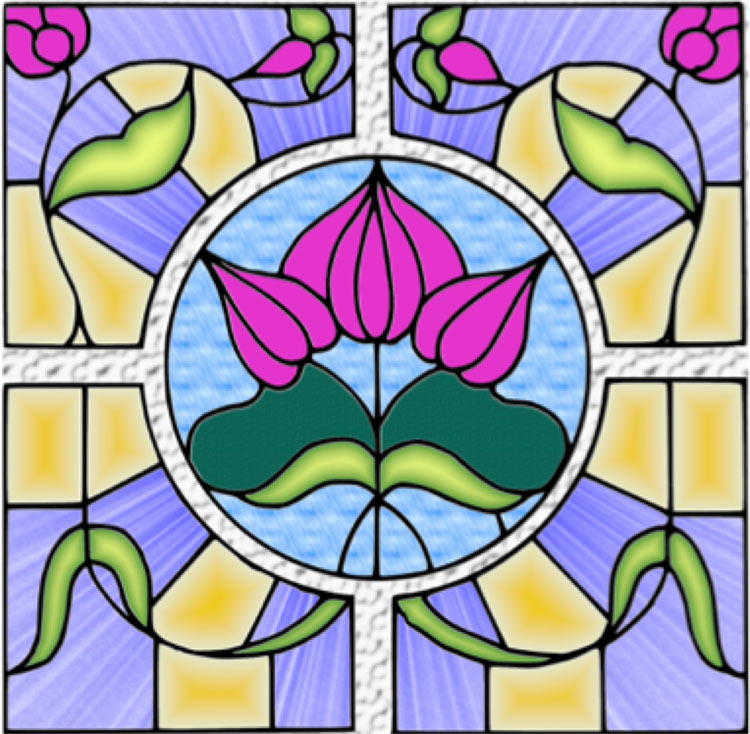
Previous Project 1 (video below): Use brushes and patterns to create a stained-glass window. Click HERE to download the outlined file.
https://youtu.be/PvH0ovN38JQ
Thursday, 6/17/2021
4:00–5:00 PM
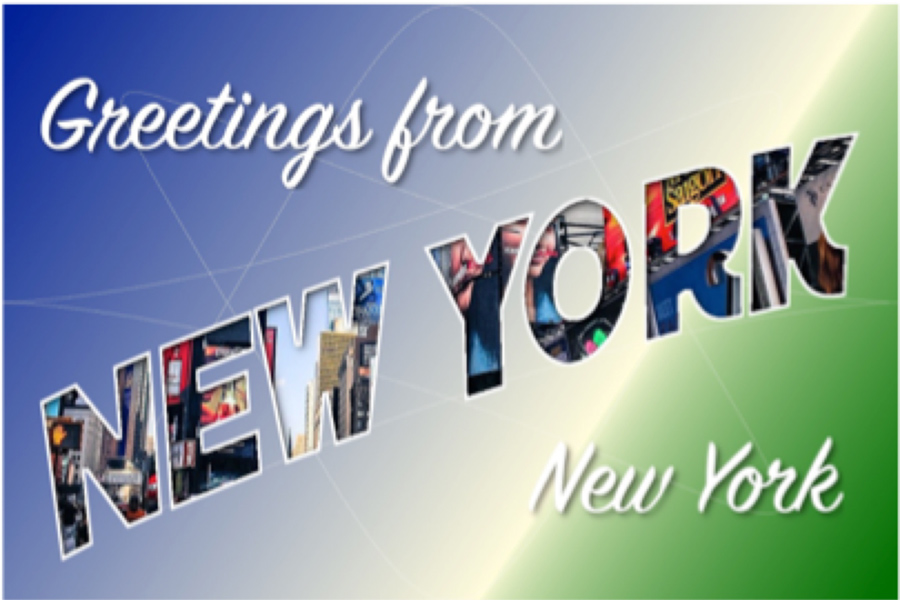
PROJECT 2: Create a Postcard Using Text fonts, filters and images. Click HERE to download the image.
Thursday, 6/17/2021
5:15–6:15 PM
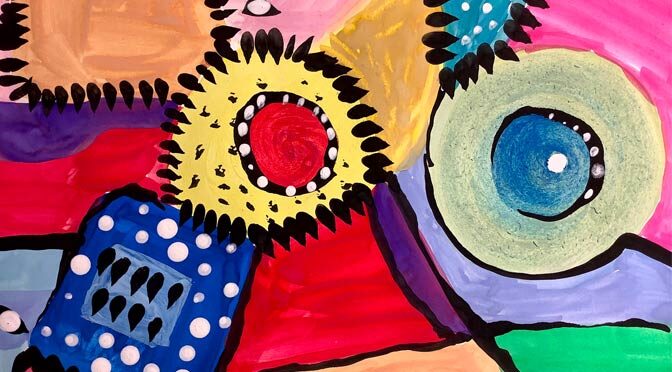
PROJECT 3: Use Brushes to create a painting from a provided file for this workshop. Reference photo download – click the link.

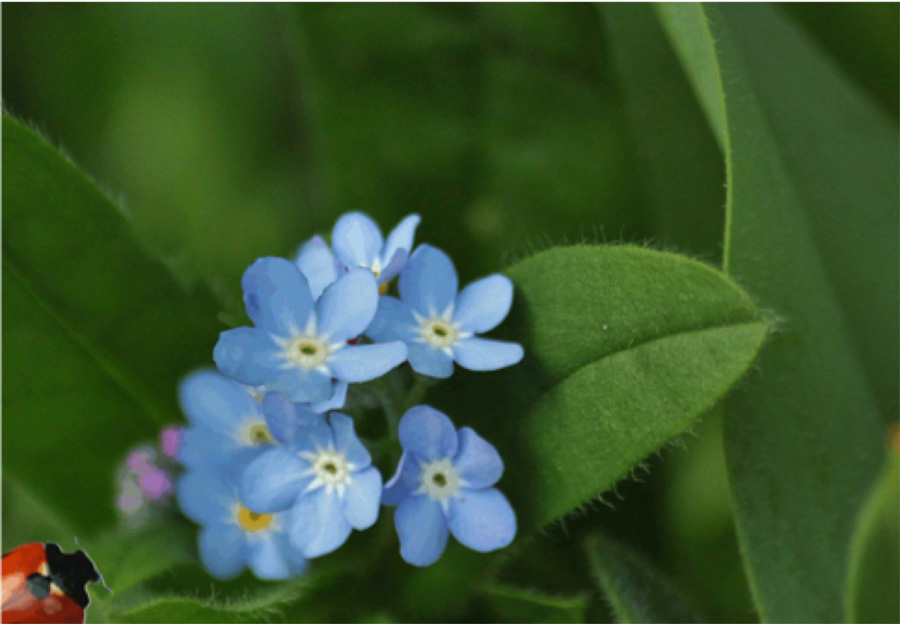
PROJECT 4: Create a simple animation using elements from an image. Click the link provided for this workshop.

 This course is designed for children ages 8-11. Students will learn how to create their own animations using Scratch, a visual programming language. They will learn more about coding while expressing their creativity. Laptop, desktop or tablet is required.
  This course is designed for adults and children ages 12-18. Python is currently one of the most popular programming languages. This course will teach the basics of python and how to build your own projects using it. No prior coding experience required. Laptop or desktop is required. Each workshop will be recorded and posted online.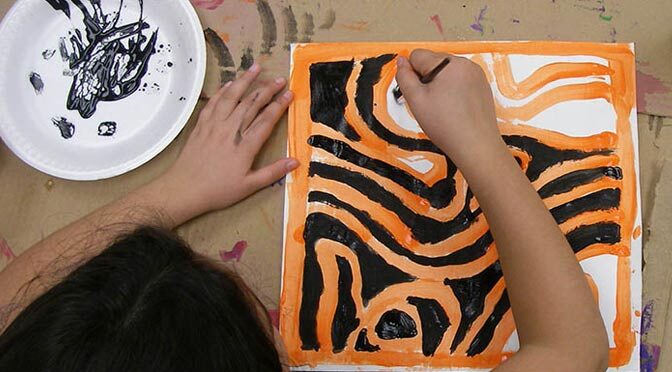
 This course is designed for children ages 8-11. Students will learn how to create their own animations using Scratch, a visual programming language. They will learn more about coding while expressing their creativity. Laptop, desktop or tablet is required.